GoodHolidayStore planning guide
Run an Office Game Show Without the Setup Scramble
You've booked the room and promised a game show. Now the screen has to work, the answers have to stay hidden, and two teams have to stop talking over each other. Pick one game, open the version your computer can run, and rehearse a full turn while the room is still empty. Five steps take you from download to opening question.
Pick the show your coworkers will enjoy
Pick the question style your coworkers will enjoy
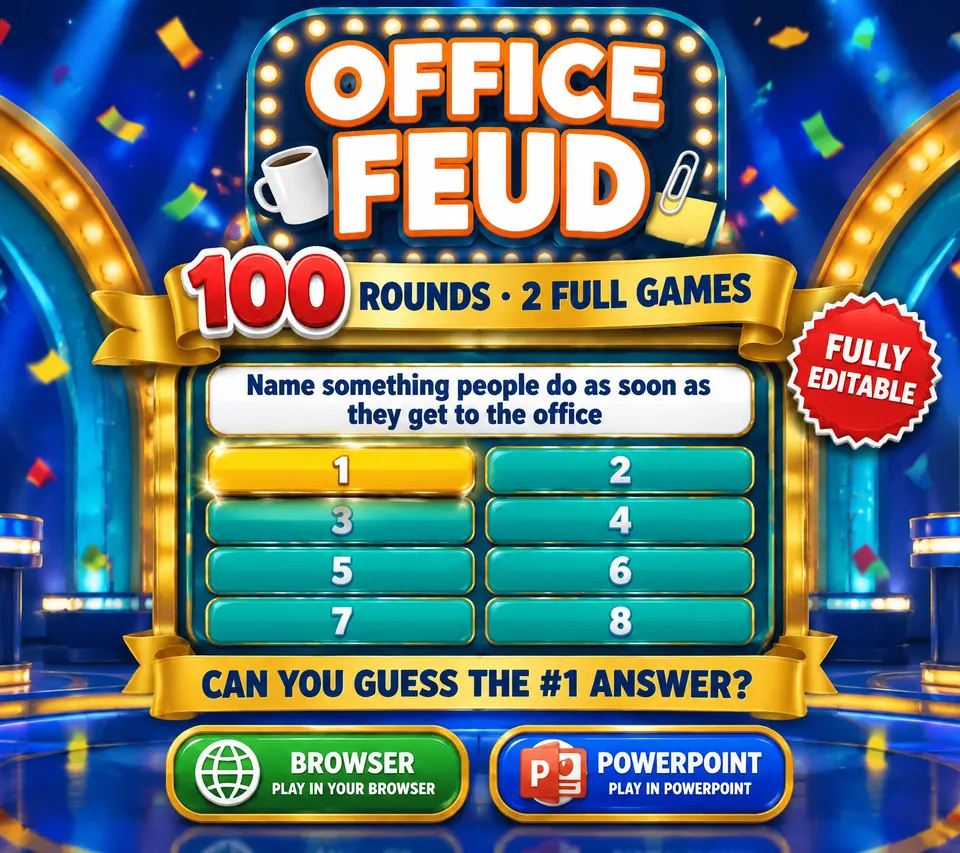
Office Feud gives you 100 survey-style rounds in two games of 50. Game 1 follows the office day, including coffee, meetings, emails and the printer. Game 2 moves into modern work life, from video calls to working from home. Two teams guess answers on the board while you operate reveals, strikes and scoring.
Pick this when you want people arguing about familiar situations instead of hunting for one trivia fact. Read a few rounds privately so you can introduce them smoothly and decide where the session ends.
Friendly Feud is the broader-topic alternative. It also has 100 rounds, supplied as two browser games and two PowerPoint games with the same content. Choose it when some guests won't share the office references.
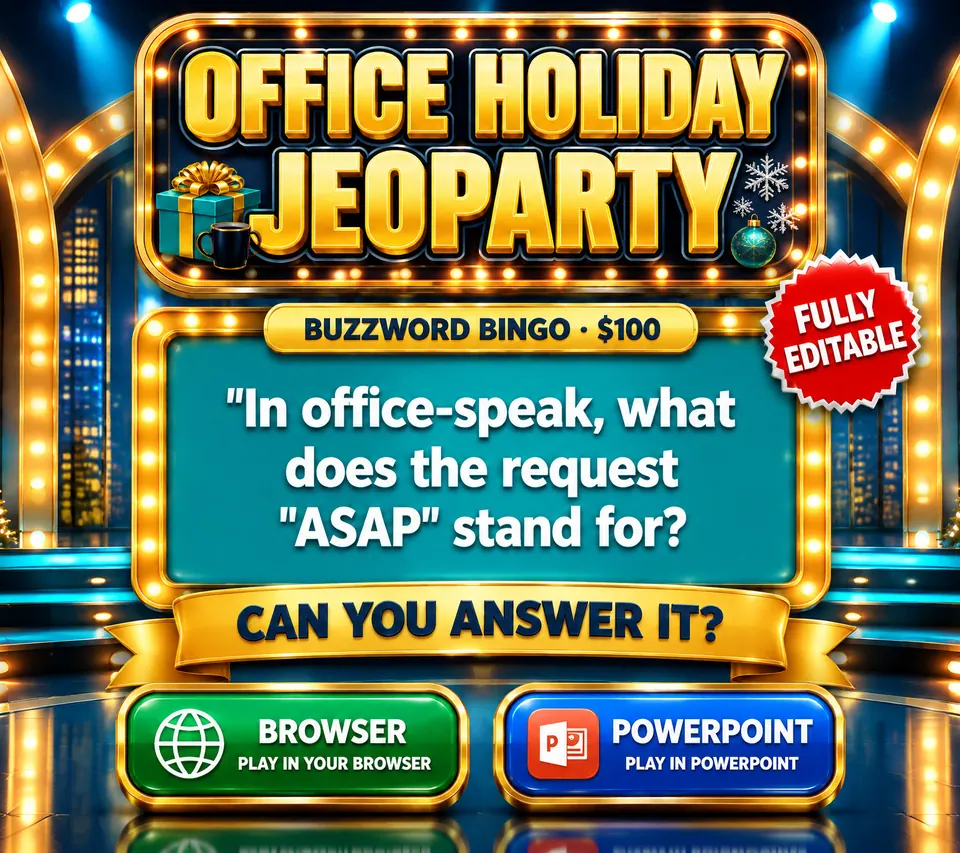
Want category trivia instead? Office Holiday Party Jeoparty supplies 120 questions plus four Final Rounds, for two to four teams. It mixes workplace categories with holiday subjects. The evening runs differently: teams pick a category and a value instead of uncovering a survey-style board.
Open the version your computer can run
Download, unzip and open a supported game
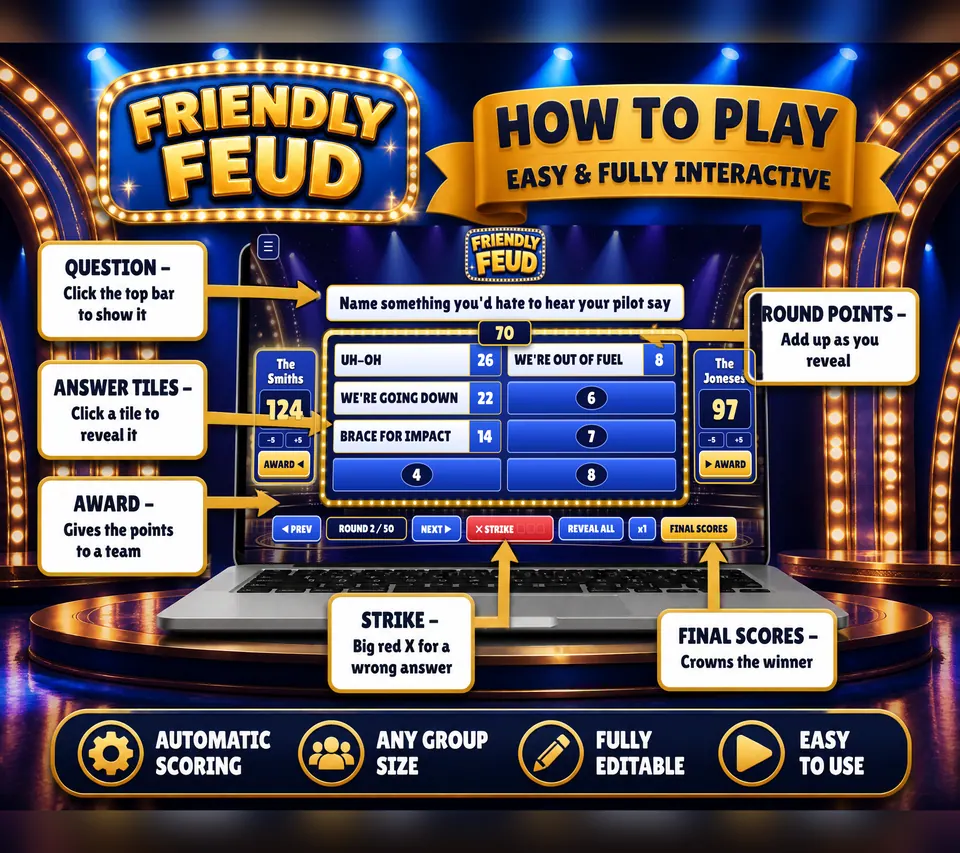
For the Feud browser route, unzip the download and open the selected HTML game. The listed browsers are Chrome, Edge, Safari and Firefox on Windows, Mac and Chromebook. Follow the included START HERE guide on the computer you'll actually bring.
The Feud PowerPoint files need desktop Microsoft PowerPoint for Windows with macros. Google Slides, Keynote, Canva and PowerPoint Online won't run that version. The holiday trivia game also supplies browser files and Windows desktop PowerPoint files, so choose the route that fits your device before making edits.
No dependable display? Run a spoken quiz instead, with questions you write yourself and a paper score sheet. Read every answer in advance and name a scorekeeper so you can watch the room.
Sit in the last row before you invite anyone
Connect the display and inspect it from a player's seat
Put the game on the planned TV or projector, then walk to the farthest seat. Check the question text, answer tiles and scores. If you're squinting, bring seats closer or adjust the display before you start handing out team names.
Read one question aloud at your normal hosting volume. Test the game sounds too, then set a comfortable level. Place the host answer key on paper or a separate view that won't appear on the player display. Return to your host position and confirm you can reach the controls without blocking the board.
Decide who gives the final answer
Give each team a way to make one final answer
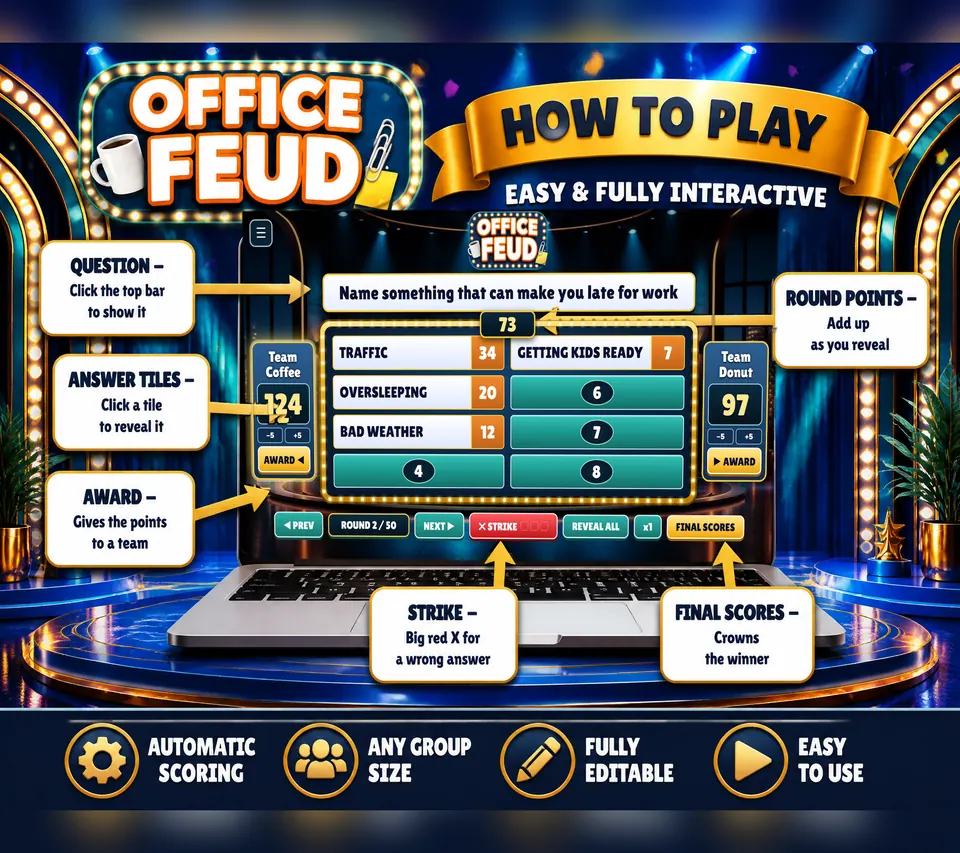
For Feud, form two teams and ask each to nominate a spokesperson. Let teammates discuss, then take the answer from that person. Tell everyone when a guess becomes final so a second voice doesn't keep replacing it after you've reached for the reveal control.
Explain the included three-strike and steal mechanic before the scored round. For holiday category trivia, follow its own category, answer and wager rules instead. You can rotate the spokesperson between rounds as a hosting choice. Announce the change so you know whose voice to listen for.
Some people would rather watch or help with the room than answer, and that's fine. Keep your opening explanation short and demonstrate one turn. Players remember a shown turn far better than a speech covering every possible situation.
Run one sample turn, then reset
Run one sample turn from question to score
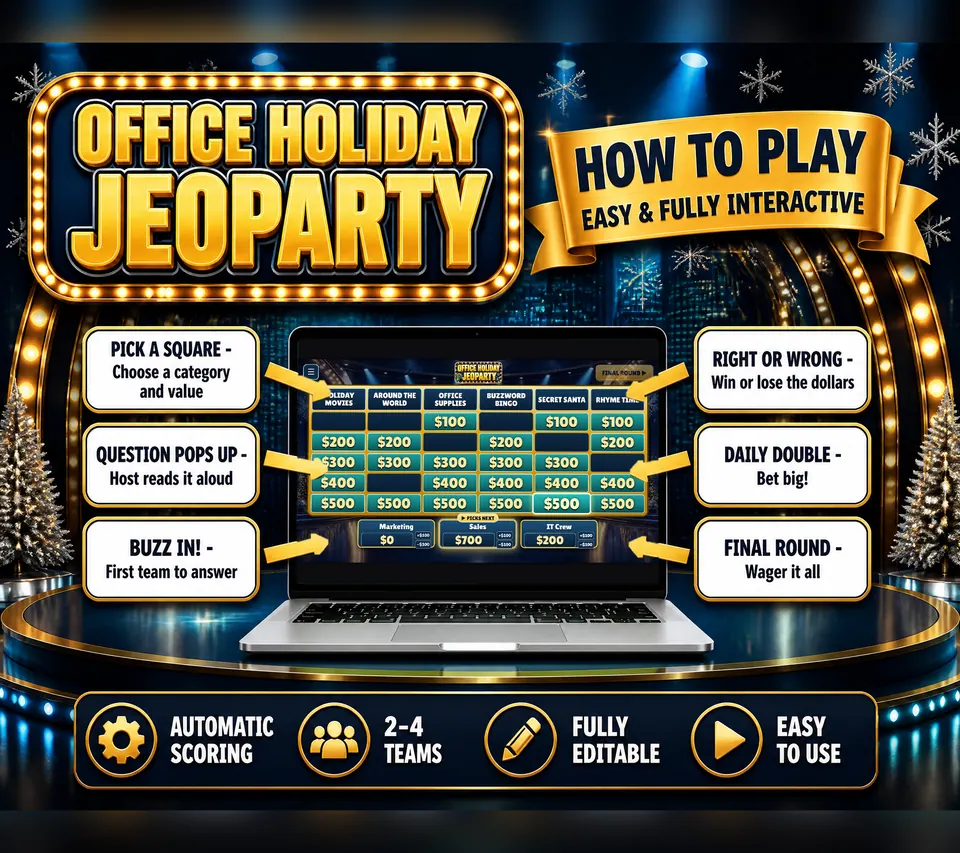
Enter sample team names, display a question and reveal an answer. In Feud, test a strike and the point controls. In holiday trivia, practice marking an answer right or wrong and using undo or the score correction buttons. Find the next round before you need it.
Then reset to the opening state and enter the real team names. Put your stopping point on a private note beside the host key. When guests sit down, you can explain the answer rule, demonstrate a turn and begin without digging through files.
If a control does something unexpected, stop and check the included guide now. That's the whole point of a sample turn. Once the room is full, you want your attention on the teams and the next question.
Questions and answers
Can I host from a Mac or Chromebook?
Yes, with the browser files. Follow the included START HERE guide. The PowerPoint version is the one that needs desktop PowerPoint for Windows with macros.
Do I have to print anything?
No. The screen games run on the computer, so players need no handouts. A printed host answer key is still handy for checking answers without switching away from the game.
Which game should I pick for a holiday lunch?
Pick Office Holiday Party Jeoparty for category trivia with holiday and workplace subjects. Pick Office Feud if your team would rather guess survey-style answers about ordinary work life.
What should I rehearse before people arrive?
Run one question, one answer reveal and one score change on the event display. Then reset to a fresh start and check that only the game screen is showing.